
how i created “latent encounters”
Fusion 360
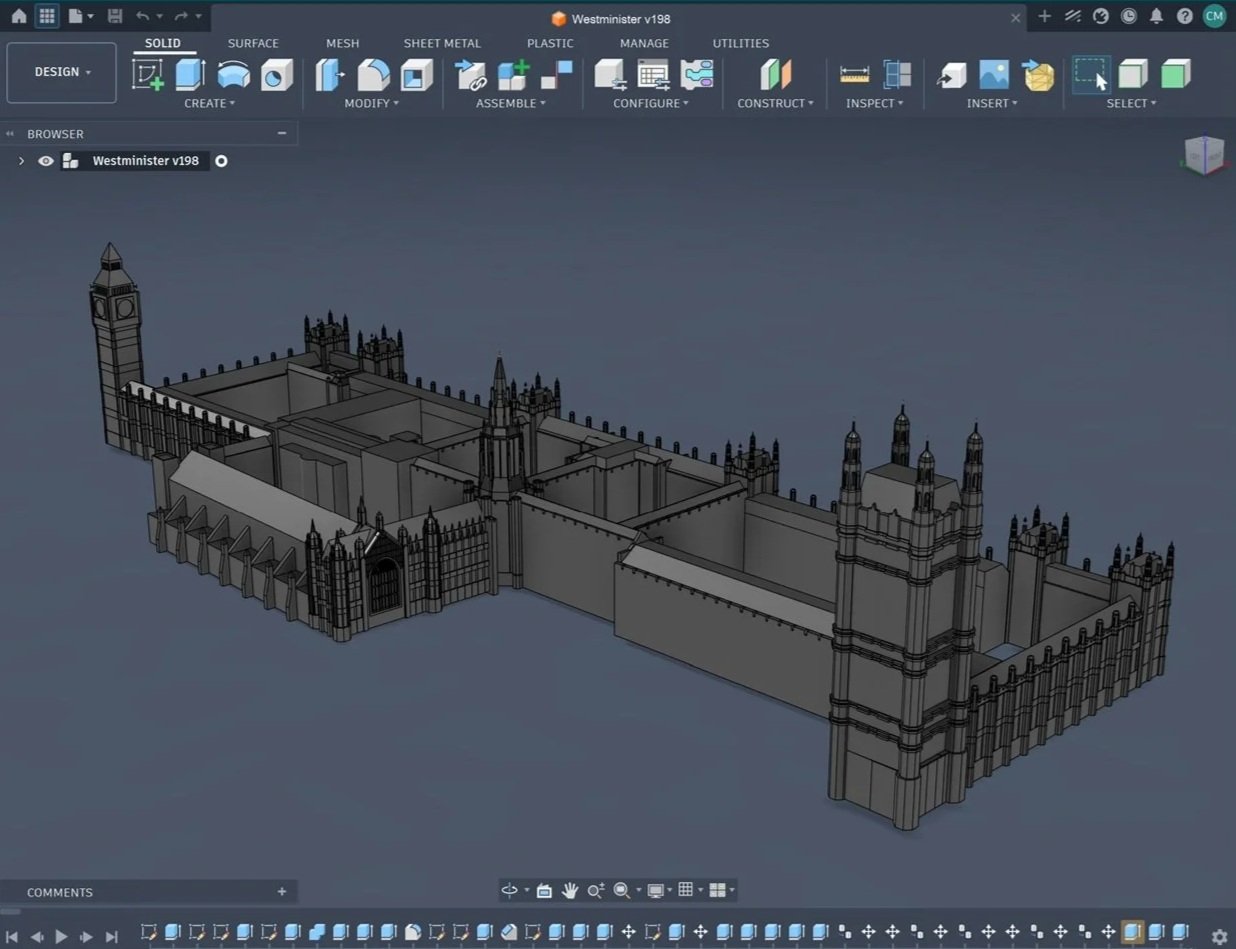
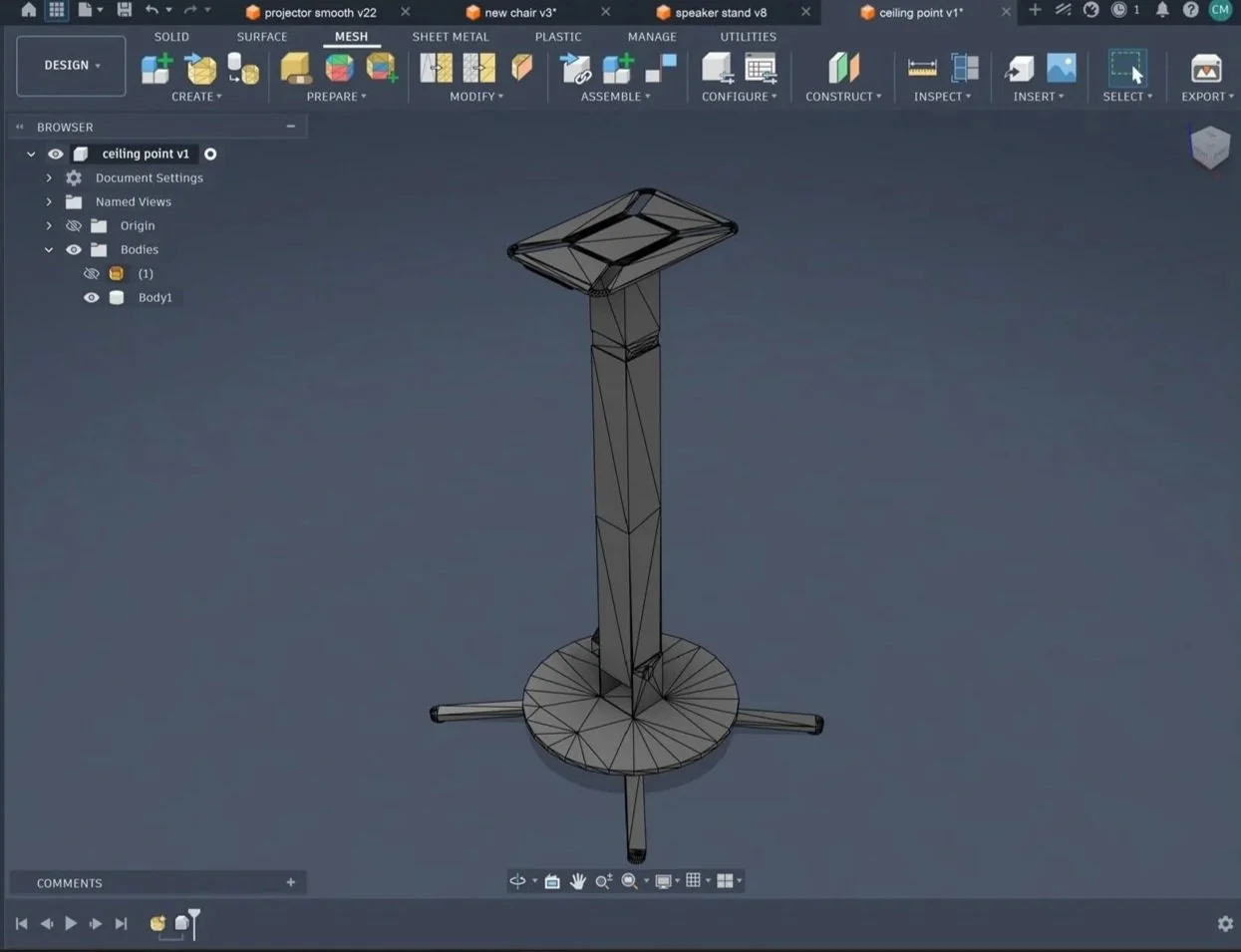
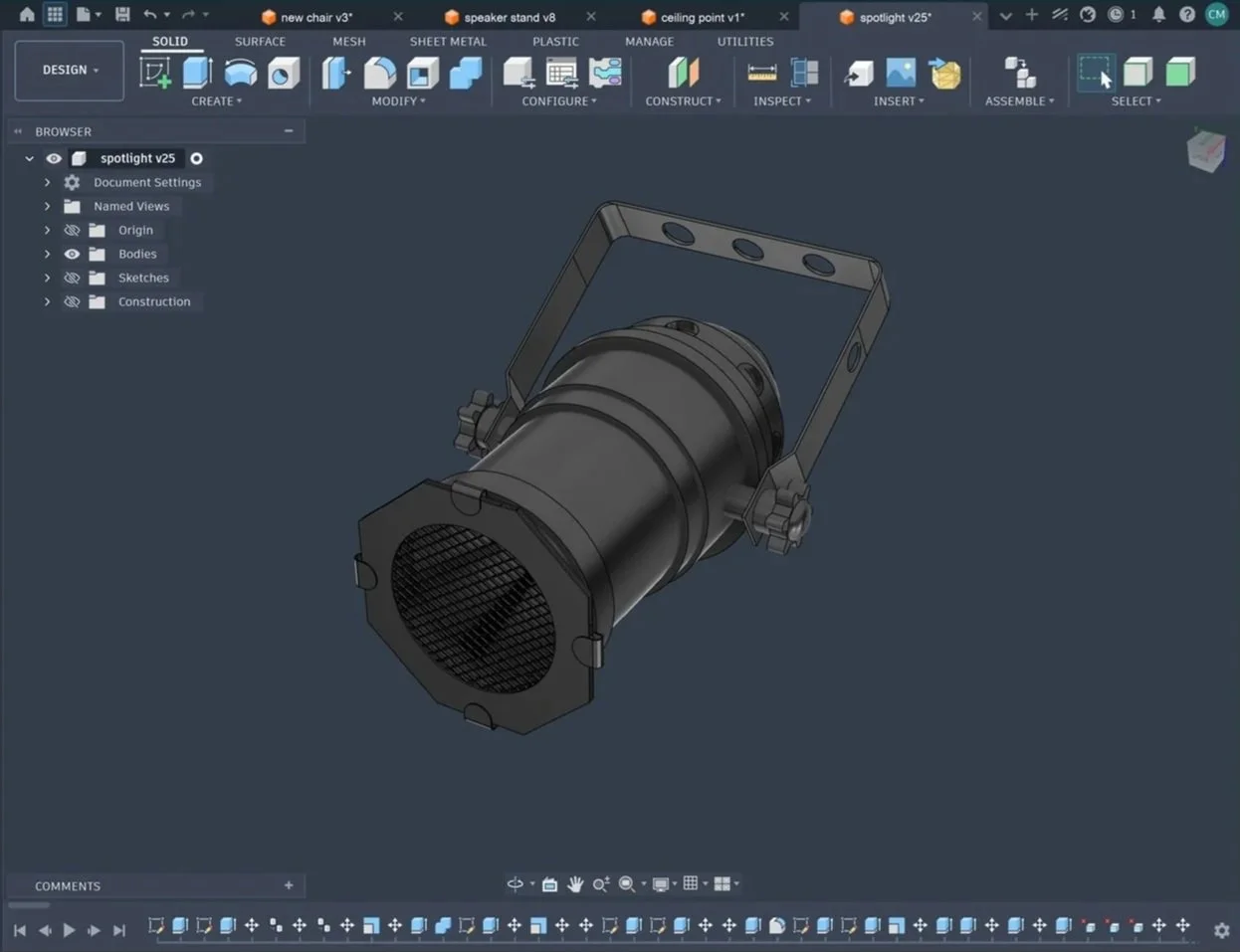
I use Fusion 360 for the first stage of modelling the separate objects as it is more geometrically based compared with Blender.
This enables me to be more precise as Blender’s modelling interface is more free-hand enabling more potential for inaccuracies when it comes to overlapping bodies or proportion.
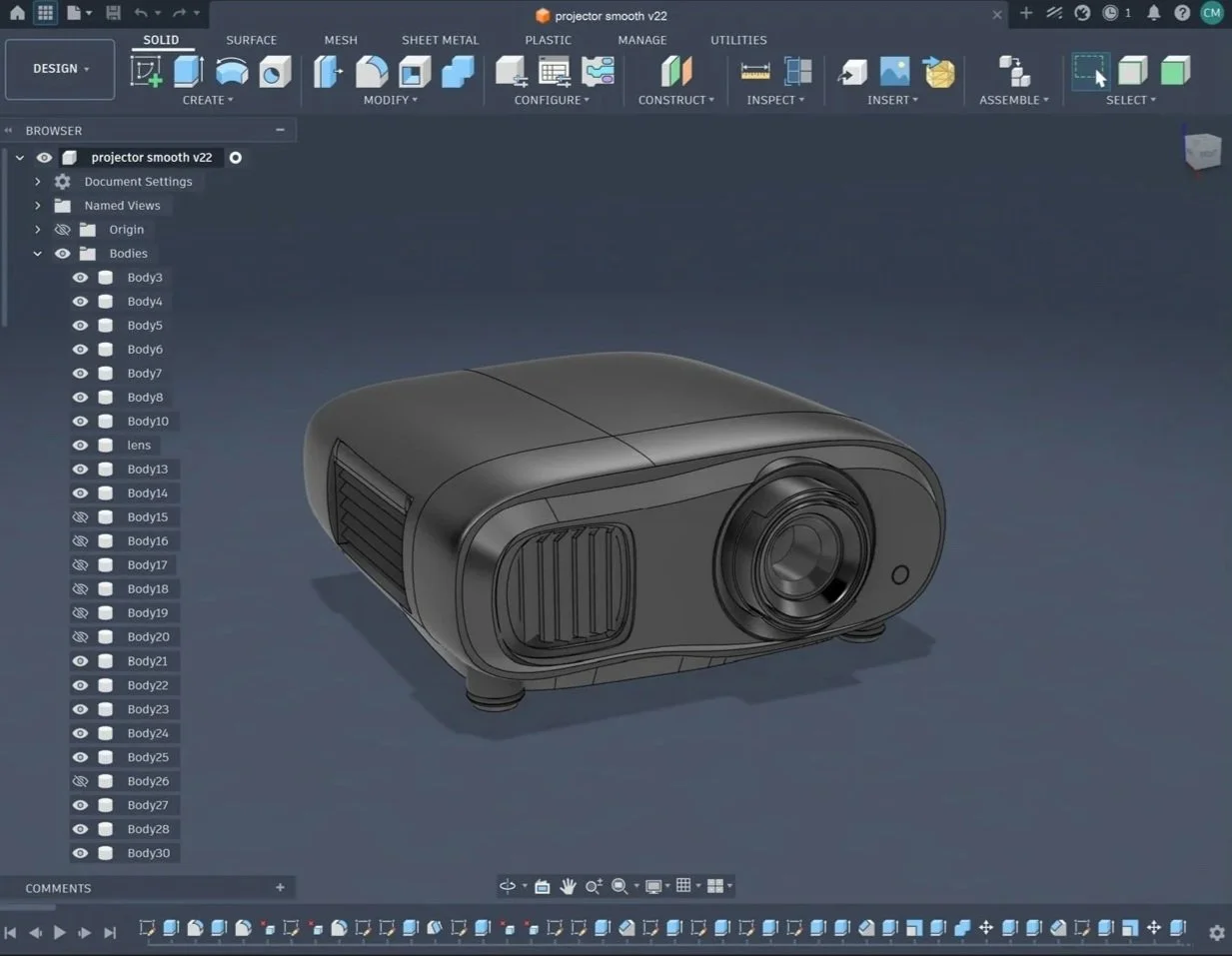
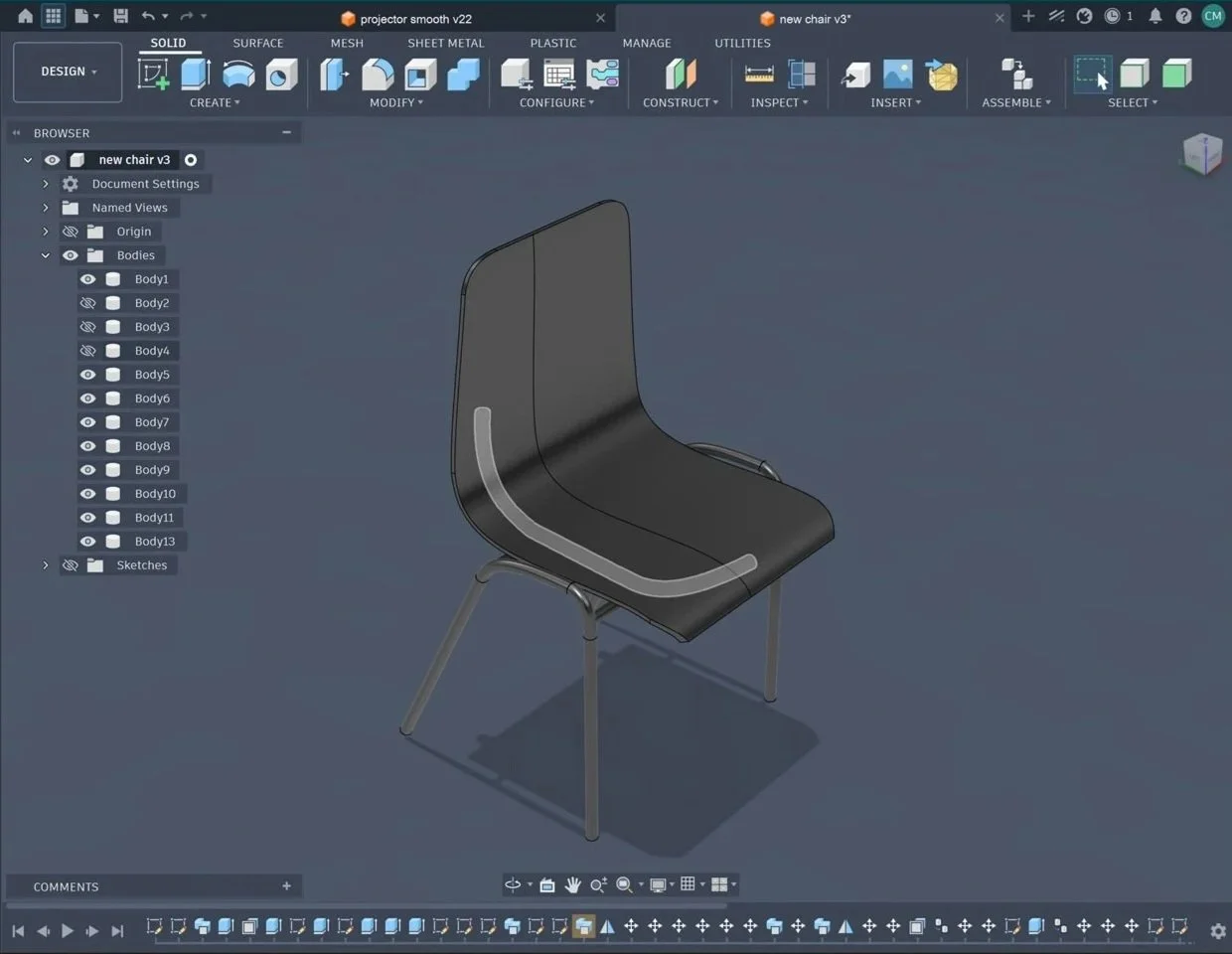
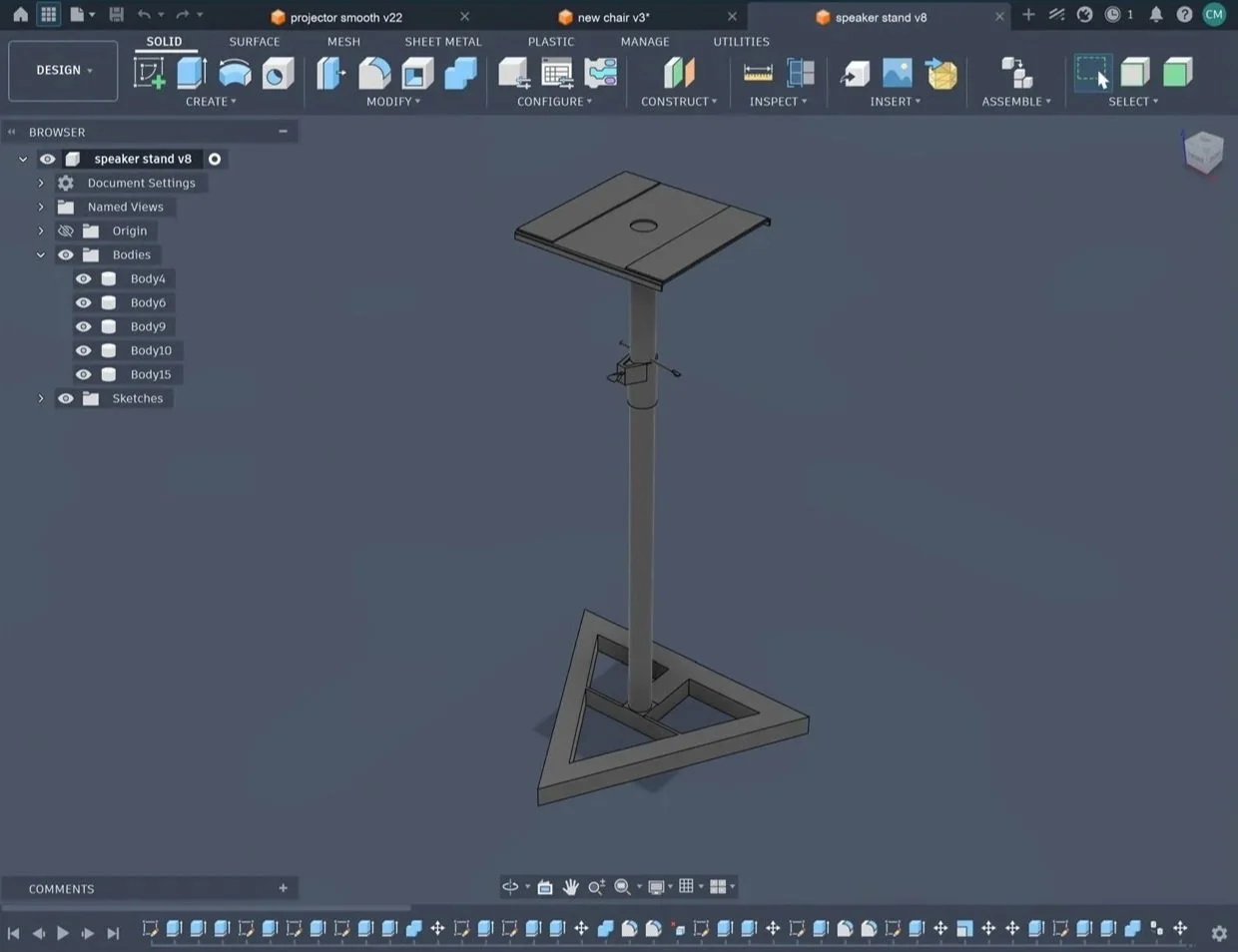
Blender 4.5
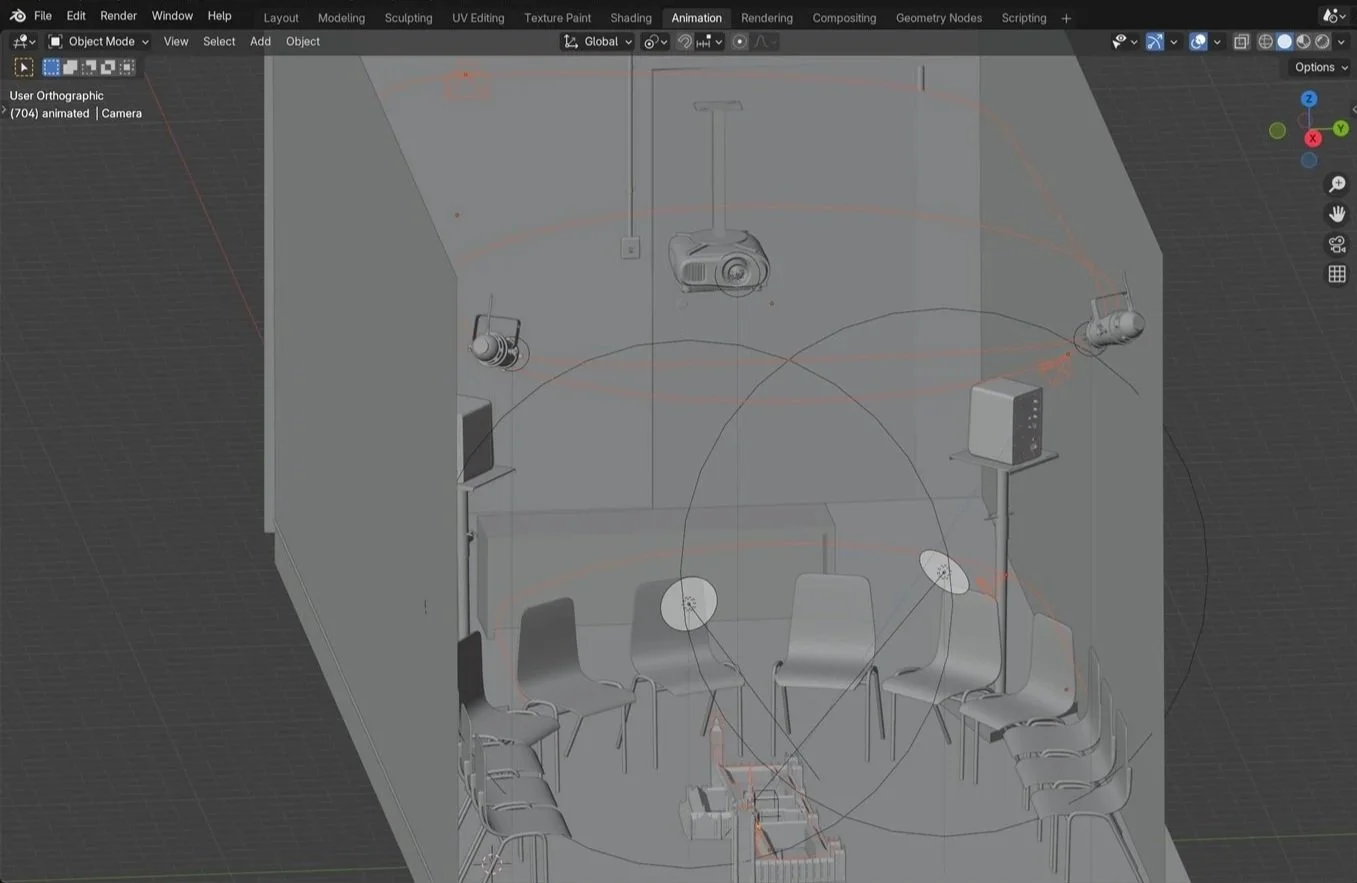
After I have modelled the individual parts I assemble them in Blender as their animation tools and rendering capabilities are more advanced compared to Fusion.
In Blender I can create pathways that I can make the camera follow which enables the first-person perspective of walking through the liminal spaces and on the roof of Westminster Palace.
The pathways and cameras are highlighted in orange.
Cycles vs. eevee
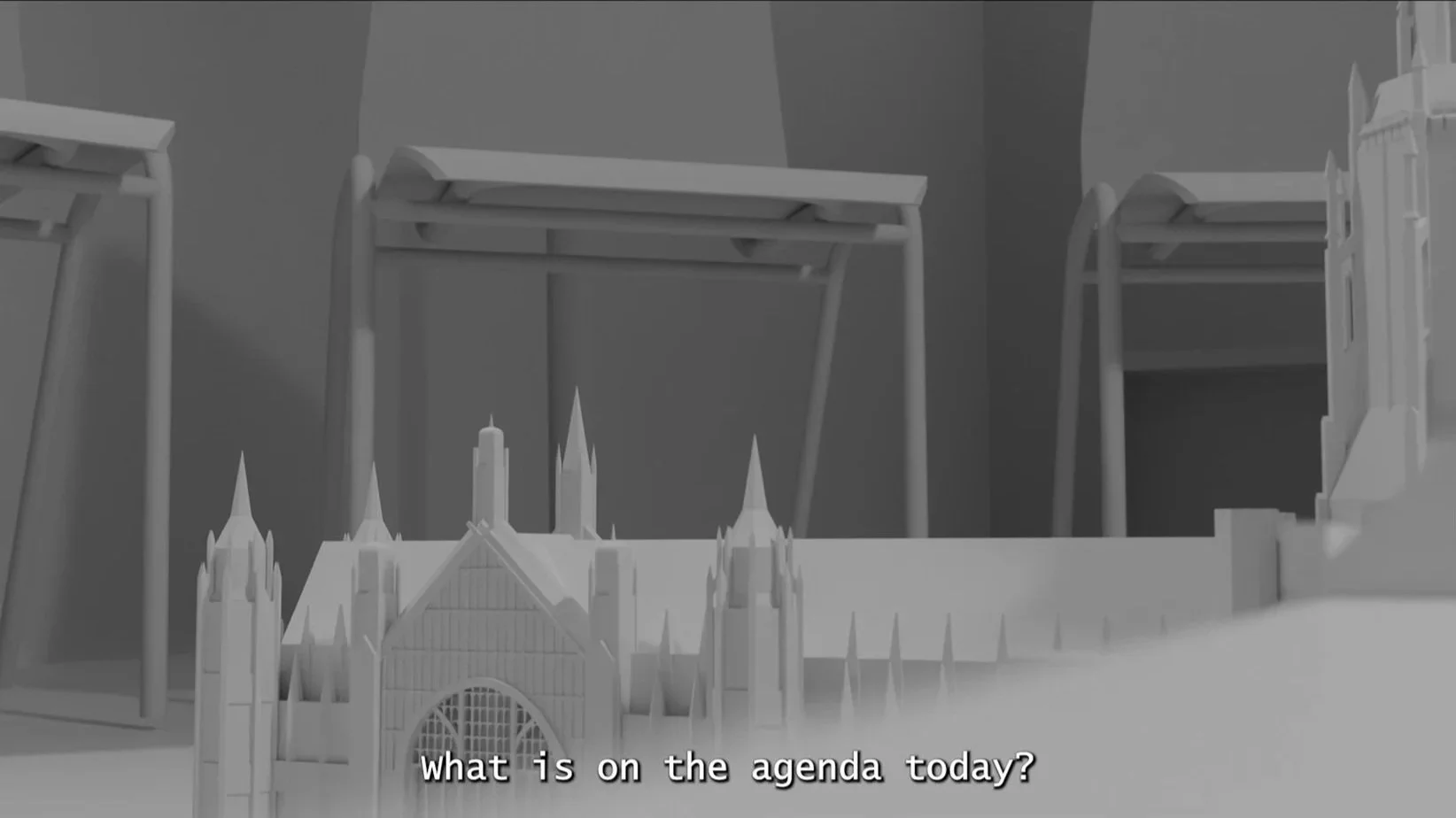
This is a still from the finished video that is rendered using Cycles as opposed to EEVEE. They are too separate render options that give different results. EEVEE has a shorter render time but makes up the lighting giving it a less complex artificial finish.
It also means dynamic lighting like the volumetric lighting for the projector reduces in quality quite a bit.
Cycles renders each pixel in relation to the light in the space effectively creating hyper realistic scenes that are true to life.
creating movement
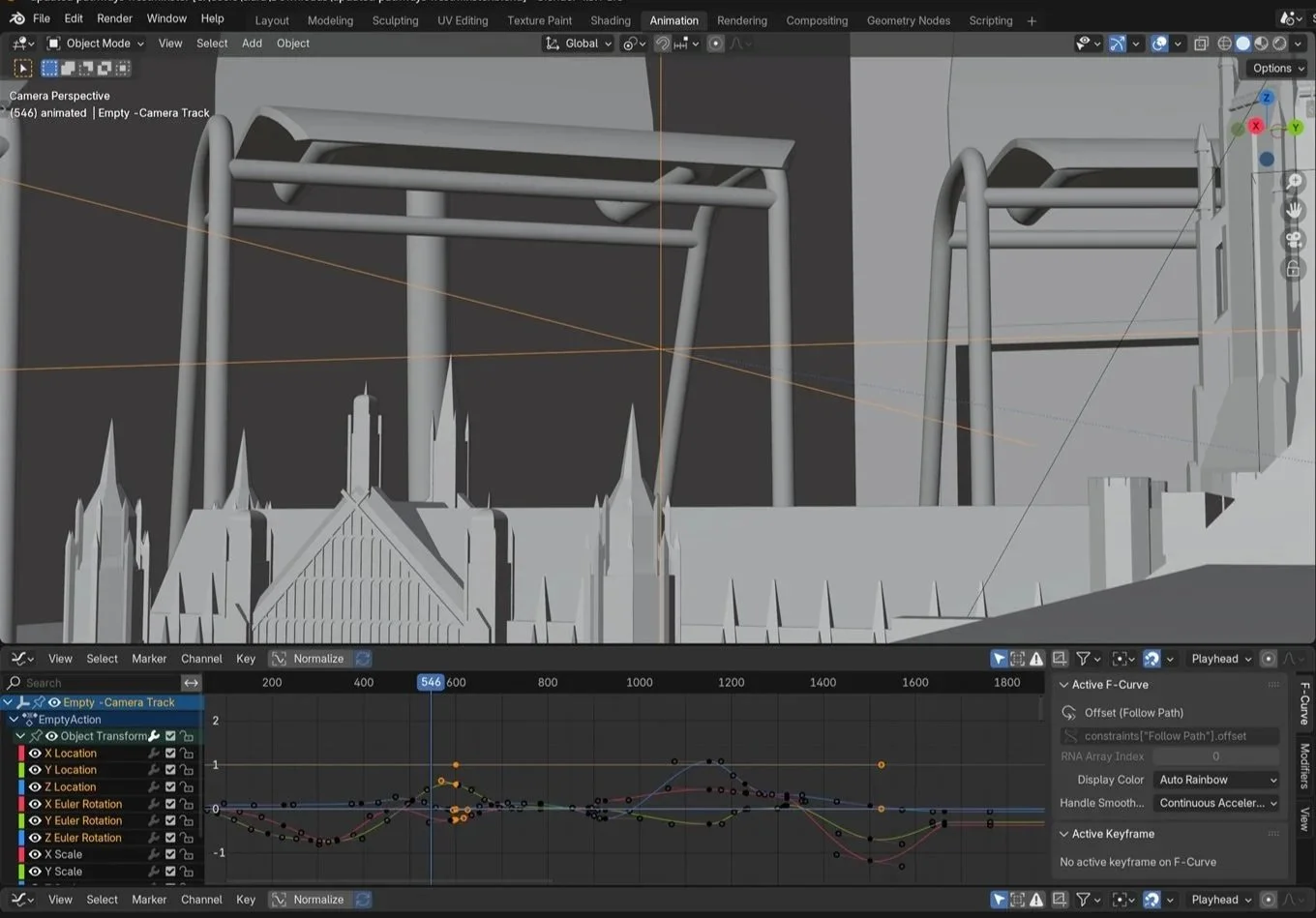
To create the movement of looking around I have an empty which I have the camera looked onto. The empty is an invisible placeholder that does ot show up in the render.
I can move the empty freely or make small adjustments by looking the move key G to a specific axis X,Y or Z.
The graph at the bottom are keyframes that can be automated using the record button when moving the empty to make the movements more fluid as you are not caught up making the individually.