how i created “hollowed palace”
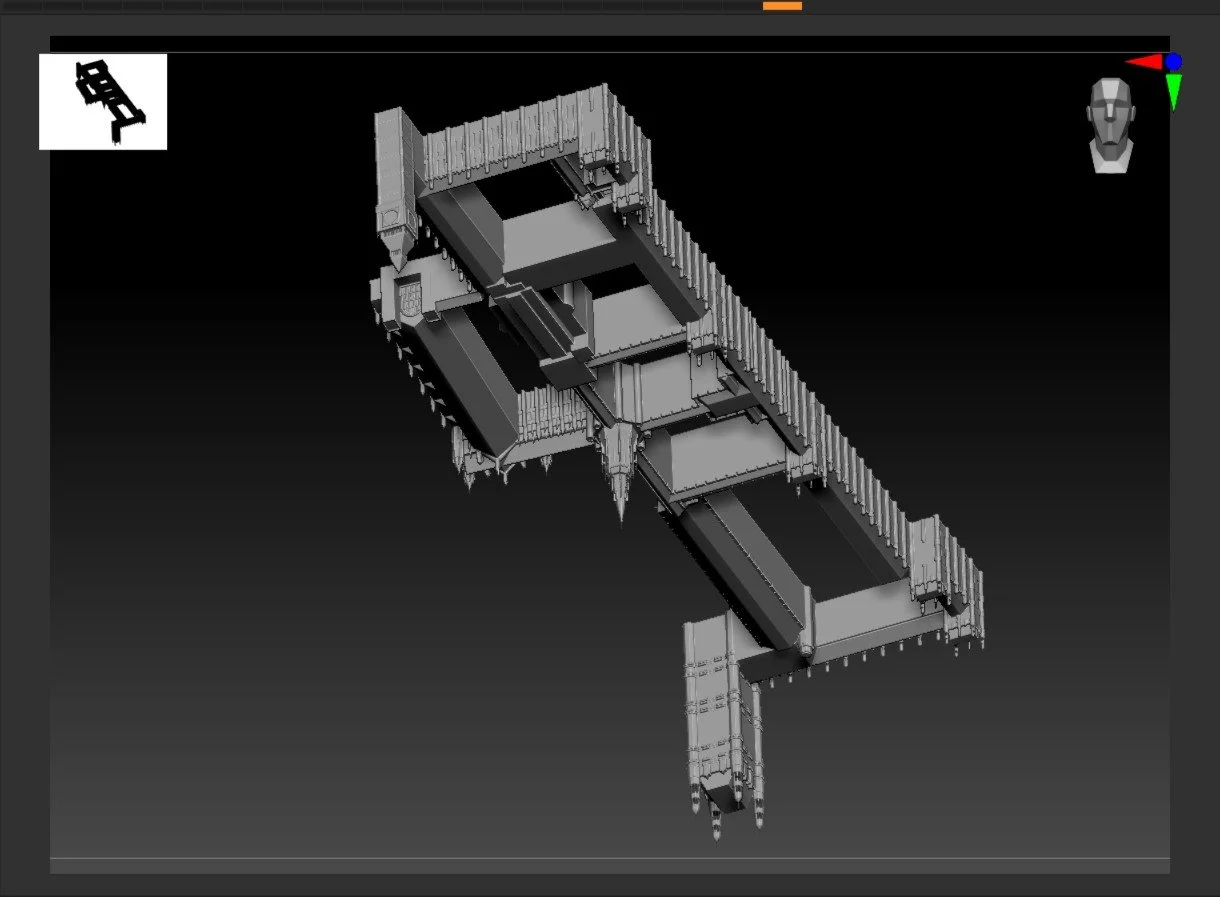
inverting westminster palace
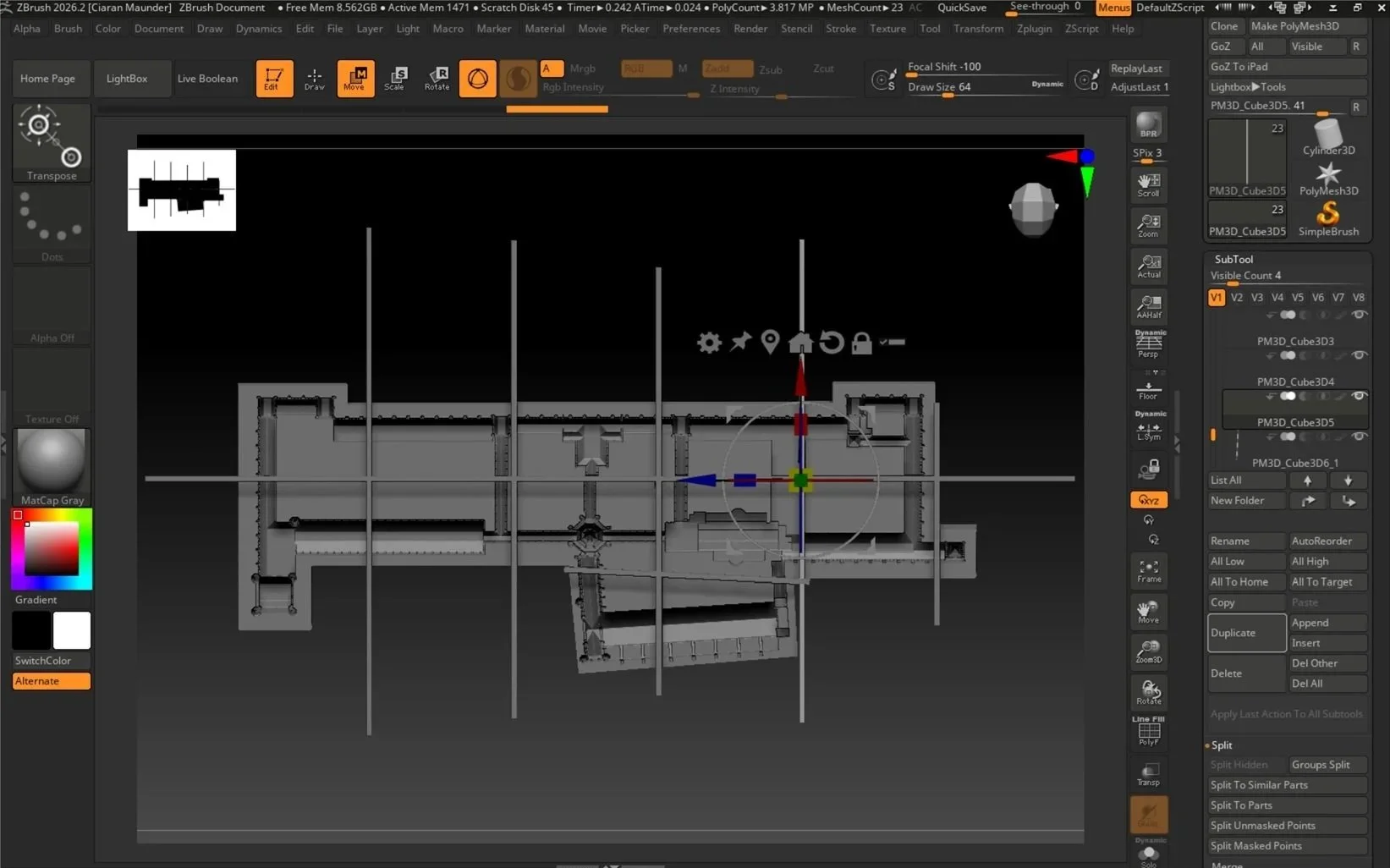
For the 3D print, I moved to ZBrush to create the inverted Westminster Palace because the subtraction tool, coupled with the Live Boolean feature, is much faster than in Fusion as it has less data to compute.
This is because it has been converted into an .OBJ file rather than trying to combine the hundreds of bodies within Fusion itself.
To use the Boolean tool, I turn the building upside down and place a Cube 3D over most of it. To turn it into a cuboid, I use the gizmo to elongate it.
I make sure that the cuboid does not completely engulf the model so the subtraction connects to the outside of the model.
Preparing for 3d printing
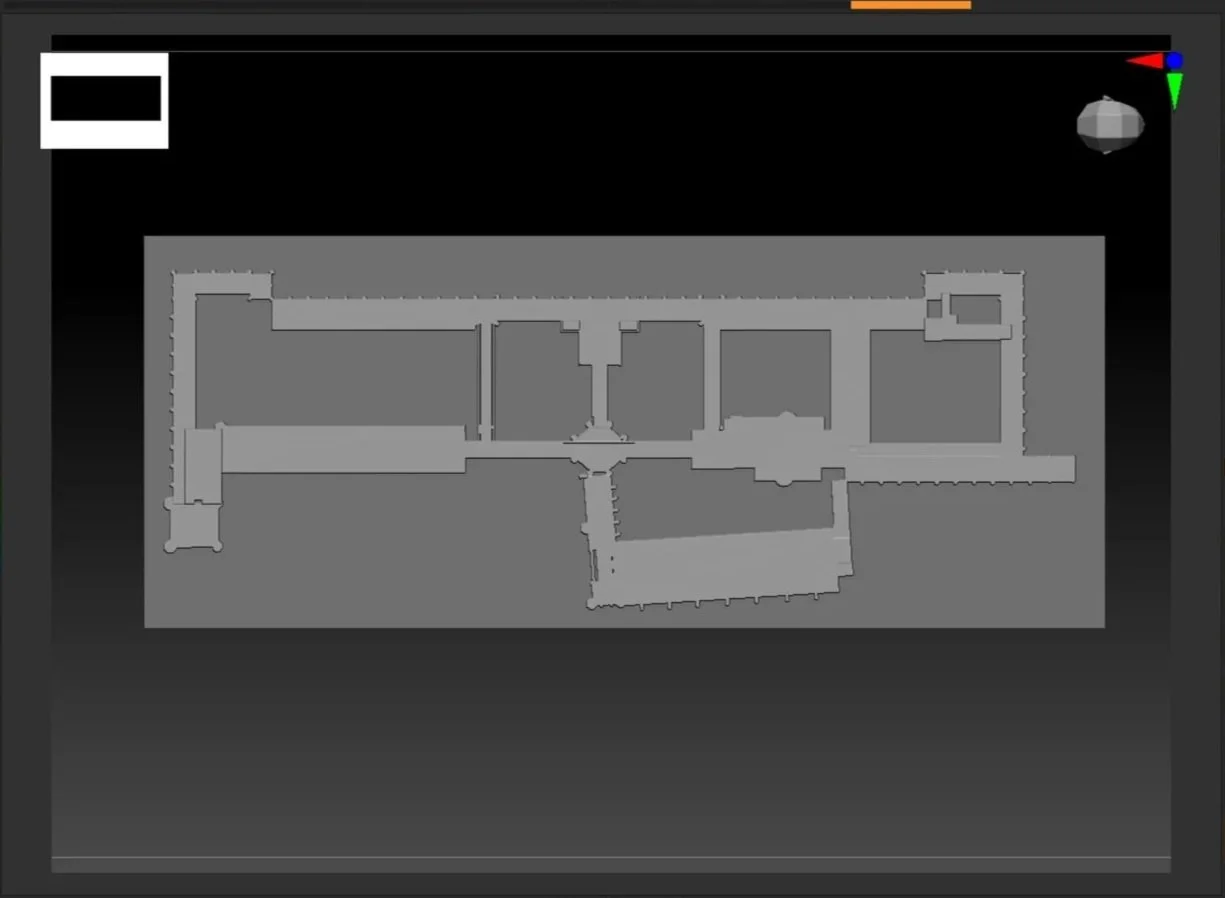
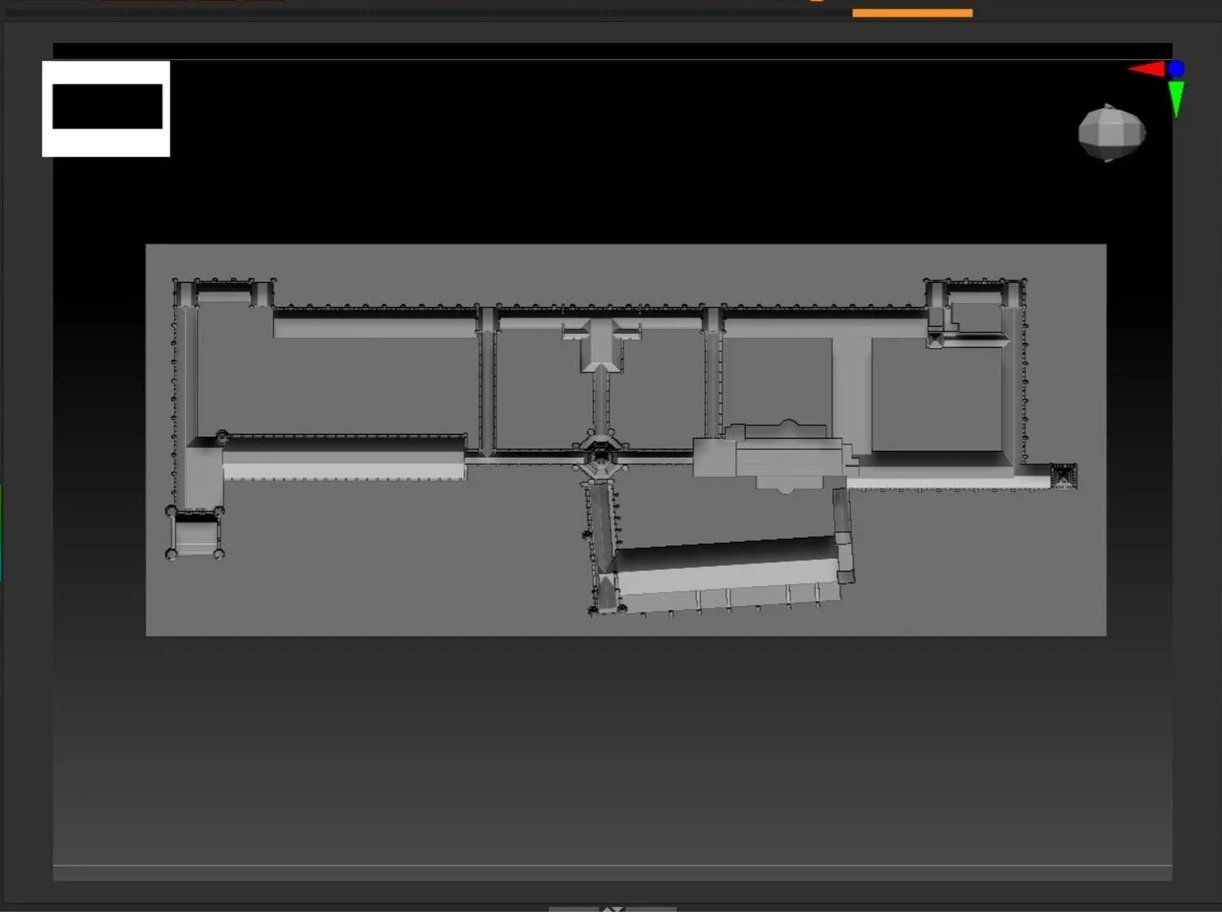
When the model is ready, I split it up using the same features because the 3D printer available to me was not big enough to print a model 1.7m long in one go.
The important thing when subtracting is that you need to verify the subtraction by making a sub tool and a Boolean Mesh. This will split the object you have subtracted into with your other subtool.